














-
 bitcoin
 $80869.475220 USD
-3.05% - ethereum
$2357.802920 USD
-5.85% - tether
$0.998804 USD
-0.01% - bnb
$716.872171 USD
-3.37% - xrp
$1.304646 USD
-4.70% - usd-coin
$0.999914 USD
0.01% - solana
$102.089041 USD
-4.86% - tron
$0.330956 USD
-0.08% - hyperliquid
$79.545470 USD
-2.88% - zcash
$1092.257965 USD
-12.83% - dogecoin
$0.079766 USD
-5.78% - monero
$536.238401 USD
-2.32% - chainlink
$12.023504 USD
-6.74% - unus-sed-leo
$9.027831 USD
0.09% - cardano
$0.219875 USD
-6.56%











How do Web3 investors use wallets to manage digital assets?
To start leveraging the Web3 ecosystem, create a Web3 wallet, selecting from options such as MetaMask or Trust Wallet, and fund it with cryptocurrency via exchanges or transfers.
Oct 28, 2024 at 08:22 pm
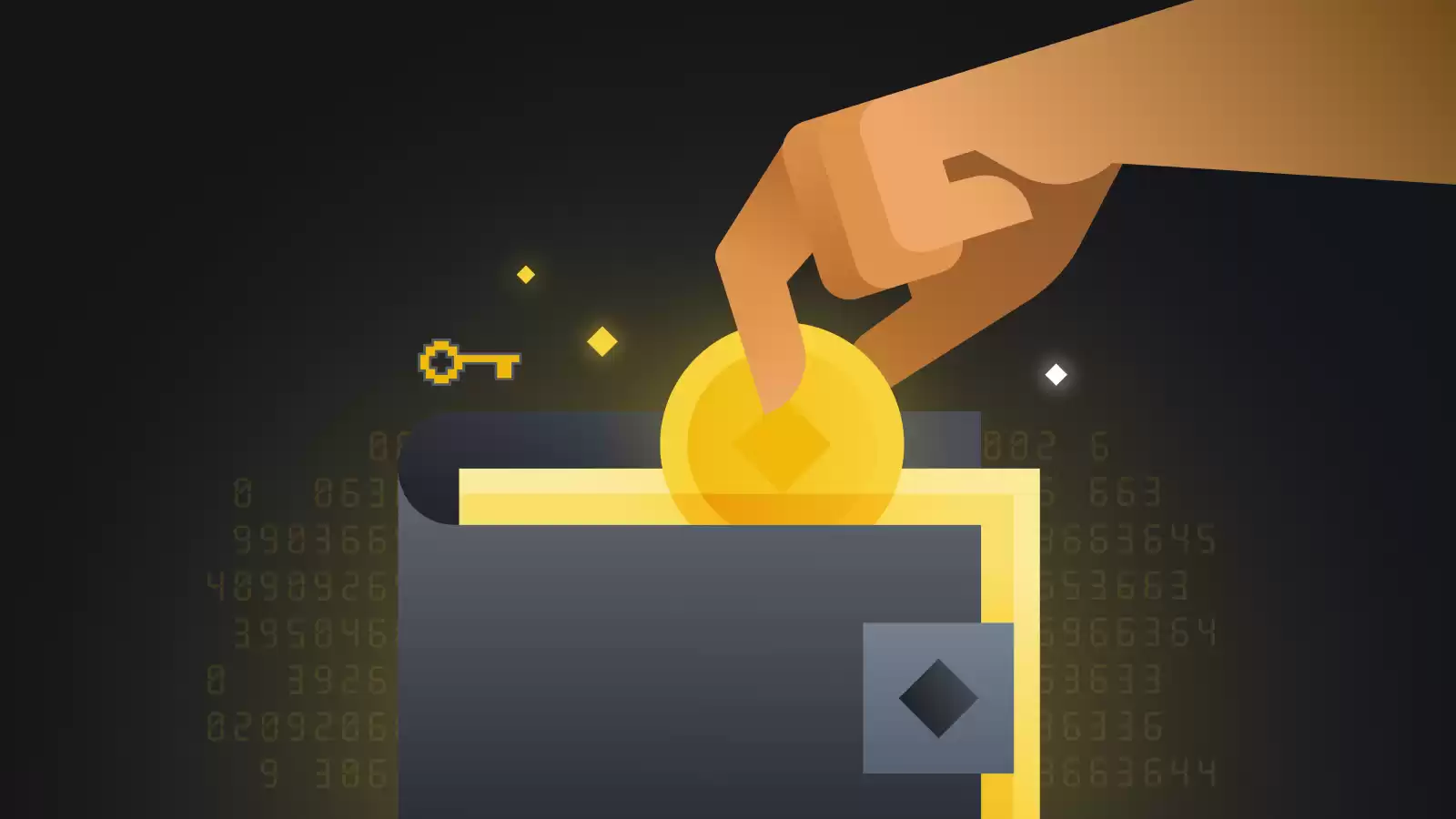
- Create a new wallet
The first step is to create a new Web3 wallet. There are many different wallets available, so it's important to do your research and choose one that's right for you. Some of the most popular wallets include MetaMask, Coinbase Wallet, and Trust Wallet.
Once you've chosen a wallet, you'll need to create a new account. This will involve providing a username and password, as well as agreeing to the terms of service.
- Fund your wallet
Once you've created a wallet, you'll need to fund it with cryptocurrency. You can do this by buying cryptocurrency on an exchange or by receiving it from someone else.
To buy cryptocurrency on an exchange, you'll need to create an account and deposit funds. Once you've deposited funds, you can use them to buy cryptocurrency.
To receive cryptocurrency from someone else, you'll need to provide them with your wallet address. Once they've sent the cryptocurrency, it will appear in your wallet.
- Manage your assets
Once you've funded your wallet, you can start managing your digital assets. This includes sending and receiving cryptocurrency, as well as storing it securely.
To send cryptocurrency, you'll need to provide the recipient's wallet address and the amount of cryptocurrency you want to send. Once you've confirmed the transaction, the cryptocurrency will be sent to the recipient's wallet.
To receive cryptocurrency, you'll need to provide the sender with your wallet address. Once they've sent the cryptocurrency, it will appear in your wallet.
To store your cryptocurrency securely, you can use a hardware wallet. A hardware wallet is a physical device that stores your private keys offline. This makes it more difficult for hackers to access your cryptocurrency.
- Use Web3 applications
Web3 wallets allow you to access Web3 applications. These applications are built on top of the blockchain and allow you to interact with decentralized finance (DeFi) protocols, non-fungible tokens (NFTs), and other Web3 services.
To use a Web3 application, you'll need to connect your wallet to the application. Once you've connected your wallet, you can use the application to interact with the blockchain.
Web3 wallets are essential for managing digital assets and interacting with the Web3 ecosystem. By following these steps, you can learn how to use a Web3 wallet to manage your digital assets securely and efficiently.
Disclaimer:info@kdj.com
The information provided is not trading advice. kdj.com does not assume any responsibility for any investments made based on the information provided in this article. Cryptocurrencies are highly volatile and it is highly recommended that you invest with caution after thorough research!
If you believe that the content used on this website infringes your copyright, please contact us immediately (info@kdj.com) and we will delete it promptly.






- Lido Forges Ahead with L2 Staking Expansion as LDO Navigates Market Dynamics
- 2026-10-16 00:30:02
- Canton Coin's Rollercoaster: High Fees, Price Dips, and Institutional Wins, Powered by CertiK Skynet
- 2026-10-15 20:35:01
- Navigating the Labyrinth of AI Ethics, Decision Making, and Thought Processes: A New York Dispatch
- 2026-10-15 16:35:01
- Starknet's Bold Leap: Eyeing Layer 1 Independence and Quantum-Resistant Cryptography by 2027
- 2026-10-15 08:45:01
- Strive Asset Management Accelerates Bitcoin Acquisition Strategy, Boosting Treasury Holdings
- 2026-10-15 08:45:01
- Solana Deepens China Market Engagement with Shanghai Office and Accelerate Tour
- 2026-10-15 04:55:01
Related knowledge
How to Check Token Balances on Different Networks in Talisman
Oct 15,2026 at 11:19pm
Understanding Talisman's Multi-Chain Address Recognition1. Talisman wallet treats each blockchain as an independent ledger layer, yet maintains a unif...
How to Add a Custom Token to a Sui Wallet
Oct 15,2026 at 07:39pm
Understanding Custom Token Integration1. Sui Wallet does not automatically detect or display all tokens deployed on the Sui blockchain. 2. Tokens must...
How to Transfer SUI Tokens Between Two Sui Wallet Accounts
Oct 15,2026 at 10:59pm
Understanding SUI Token Transfer Mechanics1. SUI tokens exist as individual objects on the Sui blockchain, not as balances in accounts. Each coin carr...
How to Find Your Sui Wallet Address in Slush Wallet
Oct 15,2026 at 04:40pm
Finding Your Sui Wallet Address in Slush Wallet1. Open the Slush Wallet application on your iOS or Android device and ensure you are logged into your ...
How to Add the Avalanche C-Chain Network to MetaMask
Oct 15,2026 at 11:00am
Network Configuration Steps1. Open the MetaMask browser extension and click the network selector located in the top-center area of the interface. 2. S...
How to Add USDC on the Base Network to MetaMask
Oct 15,2026 at 09:59am
Base Network Configuration Steps1. Open MetaMask browser extension and ensure it is updated to the latest version. 2. Click the network selector locat...
How to Check Token Balances on Different Networks in Talisman
Oct 15,2026 at 11:19pm
Understanding Talisman's Multi-Chain Address Recognition1. Talisman wallet treats each blockchain as an independent ledger layer, yet maintains a unif...
How to Add a Custom Token to a Sui Wallet
Oct 15,2026 at 07:39pm
Understanding Custom Token Integration1. Sui Wallet does not automatically detect or display all tokens deployed on the Sui blockchain. 2. Tokens must...
How to Transfer SUI Tokens Between Two Sui Wallet Accounts
Oct 15,2026 at 10:59pm
Understanding SUI Token Transfer Mechanics1. SUI tokens exist as individual objects on the Sui blockchain, not as balances in accounts. Each coin carr...
How to Find Your Sui Wallet Address in Slush Wallet
Oct 15,2026 at 04:40pm
Finding Your Sui Wallet Address in Slush Wallet1. Open the Slush Wallet application on your iOS or Android device and ensure you are logged into your ...
How to Add the Avalanche C-Chain Network to MetaMask
Oct 15,2026 at 11:00am
Network Configuration Steps1. Open the MetaMask browser extension and click the network selector located in the top-center area of the interface. 2. S...
How to Add USDC on the Base Network to MetaMask
Oct 15,2026 at 09:59am
Base Network Configuration Steps1. Open MetaMask browser extension and ensure it is updated to the latest version. 2. Click the network selector locat...
See all articles


